A visitor taps your site from their phone. Nothing shows for a few seconds. They close the page and open a competitor’s.
You will never see that visit in your messages. It only shows in the figures, as a visitor who came and left straight away. That is what makes a slow site so discreet, and so costly.
Why speed matters
A slow site acts in three places at once.
- On the visitor: a few seconds of waiting are enough to make them leave, especially on mobile and on the move.
- On your enquiries: a form or a button that responds poorly gets filled in less often.
- On Google: loading speed is one of the criteria the search engine observes, among many others. It does not replace good content, but it can penalise you when content is equal.
For a local business, where most visitors arrive from a phone, this is not a point to leave aside. It complements the work on local SEO.
The three Google measures to know
Google groups the loading experience into what it calls Core Web Vitals. Three measures, three public thresholds to remember:
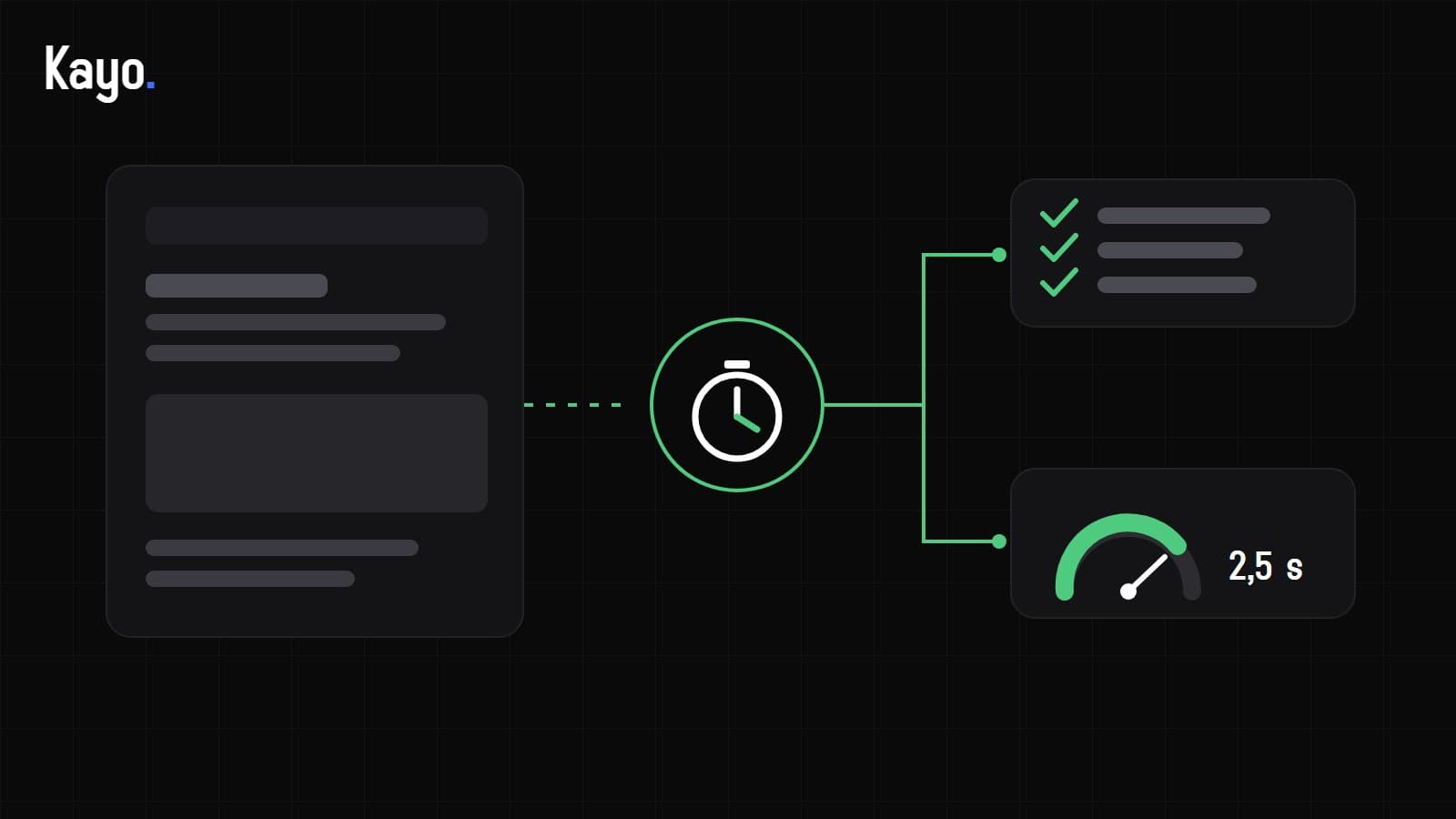
- LCP (Largest Contentful Paint): the time before the main content of the page appears. Google aims for 2.5 seconds or less.
- INP (Interaction to Next Paint): how long the page takes to react when you click or tap. Target: 200 milliseconds or less.
- CLS (Cumulative Layout Shift): layout stability. If the text jumps as an image loads, the score drops. Target: 0.1 or less.
These thresholds can change: check them in Google’s documentation before relying on them to the letter.
Measuring without being technical
Two free tools are enough for a first reading.
- PageSpeed Insights: paste a page address and you get the mobile measures and a list of points to fix.
- Search Console, “Core Web Vitals” report: it groups your site’s pages as good, needing improvement or slow, based on real visits.
Always test the mobile version, and several pages: the home page, a service page, a contact page. A single score says little; a trend says a lot.
The most common causes
In the vast majority of cases, slowness does not come from one big flaw but from an accumulation of small ones.
Five usual suspects
- Images that are too heavy: a photo taken on a phone, uploaded without being resized or compressed.
- Too many third-party scripts: analytics, widgets, advertising pixels, chat, all added over the years and never removed.
- Undersized hosting: the server takes a while to respond before it even sends the page.
- Too many extensions (on WordPress in particular): each adds code, sometimes for a rarely used feature.
- Heavy fonts and animations: several weights loaded for nothing, effects that block the display.
A good reflex is to ask, for each element: does anyone really use it? What serves nobody can go.
What can be fixed without rebuilding
- Resize and compress images, and load them at the right moment (those at the bottom of the page do not need to be ready immediately).
- Remove unused scripts and extensions.
- Reduce the number of fonts and weights loaded.
- Reserve space for images and banners so the page does not jump.
- Set up a cache, meaning a ready-to-serve copy instead of a page rebuilt for every visit.
These fixes need regular follow-up. It is part of what website maintenance covers.
When fixing is no longer enough
Sometimes the problem is in the foundations: an overloaded theme, an ageing structure, a tool that is no longer maintained. Touch-ups then give little, and each fix breaks another.
It is one of the signs that point towards a redesign rather than an update. We cover this choice in our article: should you redo your website or update it?
Where to start
- Measure the home page and two other pages on mobile with PageSpeed Insights, and note the results.
- Spot the heaviest images and the scripts you do not recognise.
- Fix what is simple and risk-free first, then measure again.
- If the result is still poor, have the site looked at as a whole.
Speed is one of the points an audit examines along with the rest of your online presence (see website audit: what we look at). Start with the free pre-audit, given orally during a 20-minute call. If a full review is useful afterwards, the Digital Audit costs €125, not deducted from any quote.
You can also book a 20-minute call to talk it through.