A customer who wants to book outside your opening hours, or who gives up because they have to pick up the phone: online booking solves both problems at once, directly from your site.
Two formulas exist at Kayo, both quoted per project. Here is what sets them apart, and how to tell which one fits your business.
Two formulas, not one answer
- A calendar tool integrated into your site, to apply your booking rules without the customer leaving the journey.
- A custom booking build with online payment, developed to follow your offer closely, as we did for Aura Spa.
The final price is always the one on the signed quote, either way. What changes is how much custom work your business actually needs.
The integrated calendar: the simplest option
Fits when an existing calendar tool is enough to apply your rules: slot length, available days and hours, minimum notice before booking. We integrate it into your site, configure the slots and rules, and test everything before going live.
Included in this formula
- Integrating the calendar into the site, without the customer leaving it
- Configuring time slots and booking rules
- Confirmations sent to the customer
- A 30-day warranty from acceptance
Payment or a deposit at booking, automatic reminders and syncing with an existing calendar remain options, quoted separately. The subscription to the chosen calendar tool stays at your own cost.
Custom booking with payment: the Aura Spa example
Fits when booking needs to follow your offer precisely, and your customer pays when booking rather than at the till. It is a solution built for your site, not a module bolted onto a third-party tool.
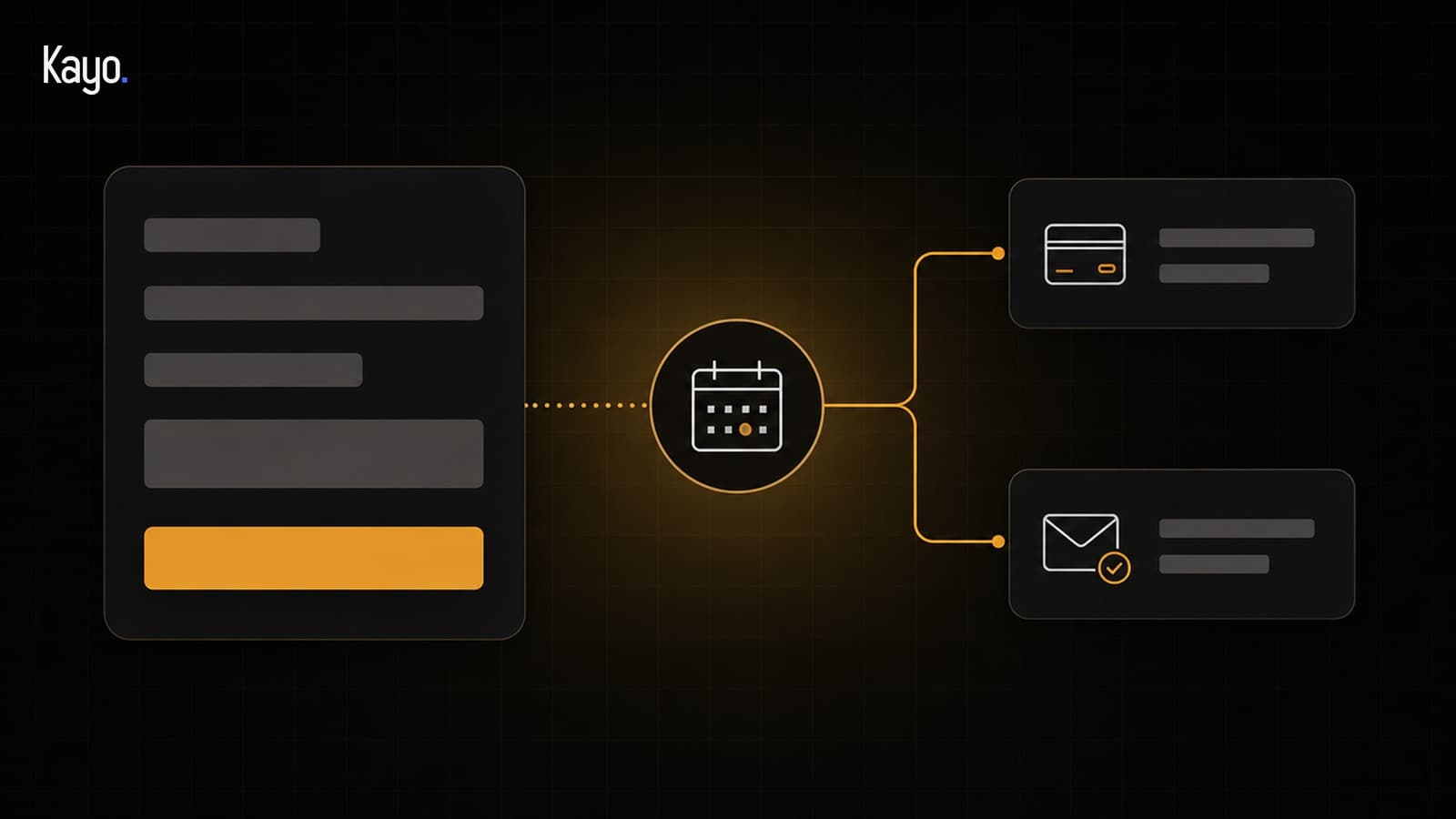
We built it for Aura Spa: the chosen slot is checked at the moment of booking, payment goes through Stripe, a confirmation is sent to the customer and to the spa, and the slot is automatically released if payment is not completed within 31 minutes. None of this is a made-up example: it is what the Aura Spa website actually does, today.
How to choose between the two
The question is simple: does an existing calendar tool cover your rules, or does your business need a payment flow that matches your offer exactly?
A beauty salon with fixed-length slots is often well served by an integrated calendar. A restaurant with different menus depending on the day, or a provider who asks for a variable deposit depending on the service, usually needs the custom build. Not sure? We talk it through during the 20-minute call: neither formula is binding before a signed quote.
What to prepare either way
- Your booking rules, clearly described before the project starts
- An account on the chosen calendar tool, if you go with that formula
- Your approvals in writing, at each step
- A data processing agreement (DPA), as soon as your customers' personal data is processed on your behalf
What about automatic reminders?
A reminder sent before the appointment, with a link to reschedule or cancel, can help limit no-shows, without having to think about it every day. That is a full automation scenario on its own: we cover how it works in our article on useful automations for a small business.
Where to start?
Write down your booking rules as they stand today: slot length, any deposit, cancellations. That is the starting point, whichever formula you end up choosing.
At Kayo, online booking is quoted per project, for either formula. If you are still unsure, the pre-audit is free: a first look at your needs during the 20-minute call.