In many small businesses, part of the day goes on copying, forwarding, following up, reminding. These tasks aren’t difficult. They’re simply repetitive, and they end up taking the place of the real work.
An automation connects your tools so these tasks happen on their own, following rules you set. It doesn’t suit everything: it works for tasks that follow clear rules. Here are five typical scenarios, then the conditions for them to hold up over time.
1. Quote request: record, notification and approved follow-up
A customer fills in the quote request form on your website. Without automation, the message lands in an inbox, and it’s up to you to copy it into your tracking tool and remember to follow up.
Example: a carpenter
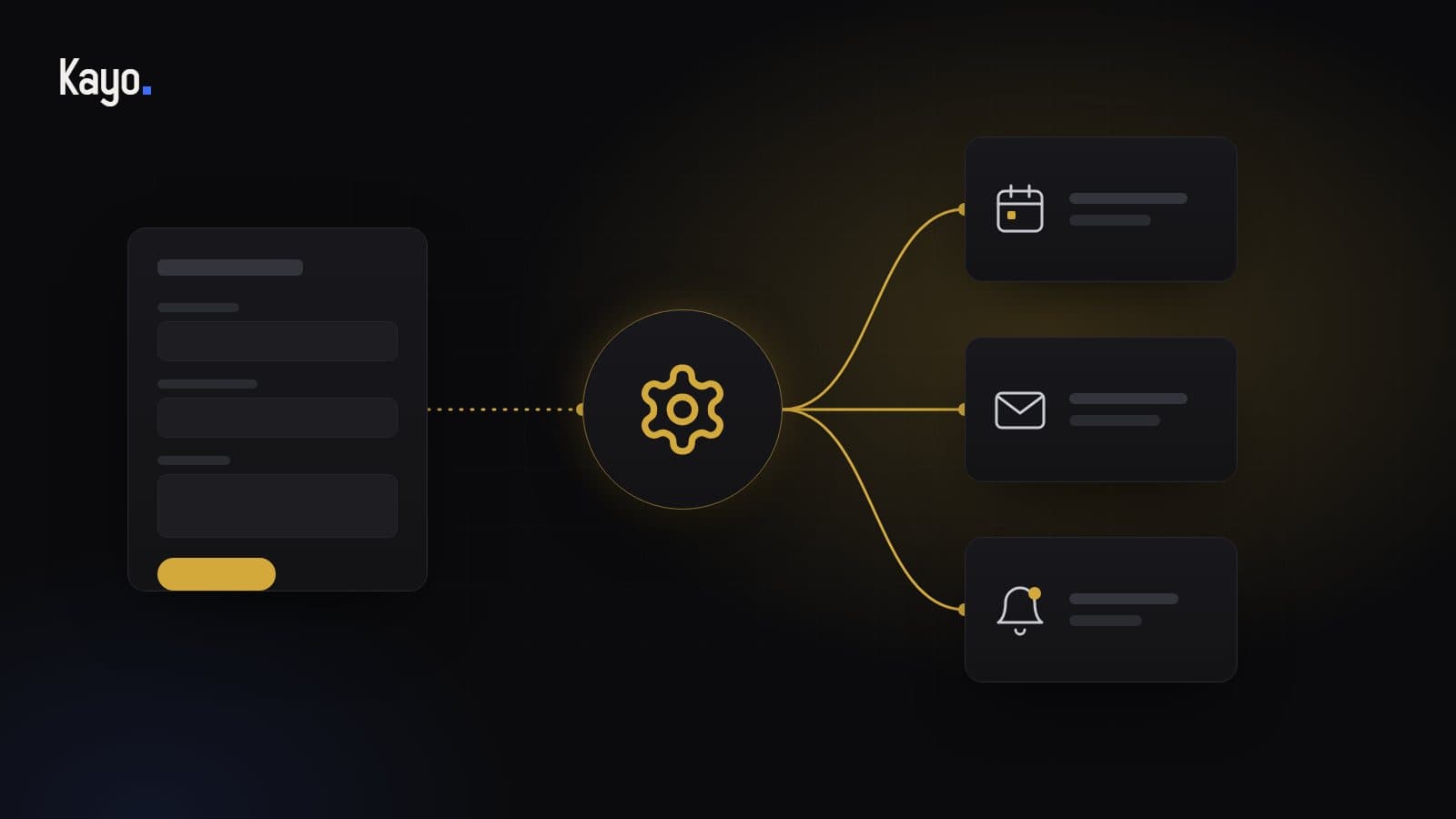
- The form is sent: a record is created in the tracking tool (a CRM or a simple spreadsheet), with the contact details and project description
- The carpenter gets a notification on their phone
- If no quote has gone out after the delay they chose, they get a reminder
- A follow-up to the customer is prepared as a draft: it’s only sent after their approval
Human approval before sending isn’t a detail: it stops an automatic message going out at the wrong moment, for example to a customer you’ve just spoken to on the phone.
2. Appointment confirmation and reminder
A forgotten appointment is a lost slot. A reminder sent by hand is time taken every day.
Example: a beauty salon
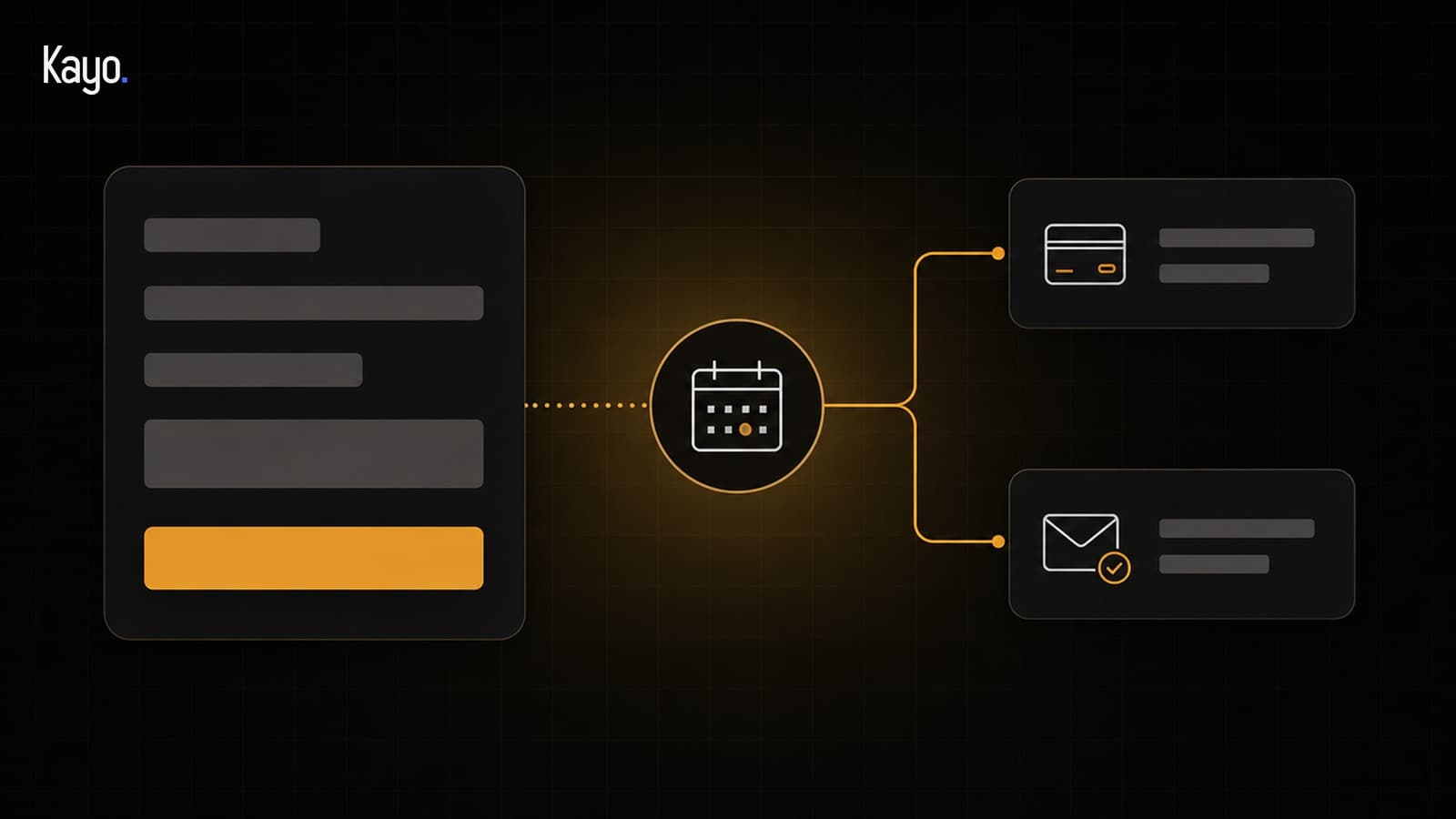
- The client books online: she immediately receives a confirmation by email
- A reminder is sent before the appointment, at a time chosen by the salon
- The message includes a link to reschedule or cancel, which frees up the slot
- The appointment appears in the salon’s calendar, with no re-entry
This scenario relies on a calendar and booking tool, whose subscription you pay. It can go further with a deposit requested at the time of booking. Automatic reminders and payment at booking belong to online booking, where they are options priced separately.
3. No more double entry between calendar and invoicing
Many businesses type the same information twice: once in the calendar, once in the invoicing tool. Each re-entry takes time and adds a risk of error.
Example: a garage
- The appointment is marked as done in the calendar
- The customer and the service are carried over to the invoicing tool as a draft invoice
- The garage owner checks it, adds anything missing (parts, notes), then sends it
- If the sync fails, an alert lets them know, instead of leaving a gap in the invoicing
This kind of connection always starts with mapping the flows: which information comes from where, goes where, and what happens when it’s missing.
4. Asking for a review after the service
Reviews matter to your future customers, but remembering to ask after every service is hard. It’s a good task to automate, provided you follow the rules.
Example: a restaurant
- The day after an honoured booking, the customer receives a thank-you email
- The message includes a direct link to the restaurant’s Google profile
- Replies to reviews are still written, or at least approved, by the restaurant owner
Mind Google’s rules on reviews: a review can’t be bought or exchanged for a benefit, and you shouldn’t ask only satisfied customers. So the same request goes to every customer. The email uses your customers’ contact details: it must also comply with personal data protection rules.
5. Sorting incoming requests
Website form, email, messaging: when requests arrive from everywhere, some wait too long, simply because they landed in the wrong place.
Example: a service company
- Each request is categorised: quote, invoice question, call-out request, other
- It’s passed to the right person or the right folder
- A request flagged as urgent triggers an immediate notification
- Anything the sorting can’t classify goes to a “to check” queue, handled by a person
Often a simple rule is enough: a “subject of your request” menu in the form already does much of the work. For free-text messages, written in each person’s own words, AI can help understand the request, under human control.
What makes it work
An automation that works on the day it goes live isn’t necessarily one that lasts. What makes the difference:
- Clear rules: if you can’t describe the task step by step, it isn’t ready to be automated
- Reliable data: an automation copies errors too, faster
- Planned exceptions: a customer with no email address, a cancelled appointment, an incomplete request
- Alerts when something fails, so a breakdown doesn’t go unnoticed
- Tests on real cases before going live
- Documentation of what each automation does
The limits to know
- A task without a clear rule, which needs case-by-case judgement, stays a human task
- An automation depends on the tools it connects: when a vendor changes its service, it sometimes needs adapting
- Tools have their own subscriptions (an automation tool such as n8n, connected tools), which you pay
- An automation needs monitoring: without follow-up, a failure can go unnoticed
- As soon as it processes your customers’ personal data, a data processing agreement applies
What about artificial intelligence?
AI isn’t needed to automate: most of the scenarios above work with simple rules. At Kayo, we only use it for a defined purpose, with human approval and known limits.
It’s useful when free text has to be understood:
- Classifying a message written in the customer’s own words
- Summarising a long request before it reaches you
- Preparing a draft reply, which you read before it’s sent
- Answering frequently asked questions on your website with a chatbot that hands over to a person when needed
It isn’t the right answer when a simple rule is enough, when an error couldn’t be undone, or when it would mean making a decision without human control. An AI model’s answers are never guaranteed to be accurate: that’s why they stay supervised. To go further, read our article on the difference between a traditional chatbot and an AI chatbot.
Key takeaways
- Automate repetitive tasks that follow clear rules, not the rest
- Keep human approval on anything that goes out to a customer
- Plan for exceptions and alerts when something fails
- AI is only useful for a specific purpose, when a simple rule isn’t enough
Where to start?
For a week, note down the tasks you repeat identically. Pick one, with clear rules, and describe its exceptions. That’s the starting point of any automation: mapping what exists, before connecting anything.
At Kayo, automations and integrations are priced on quote, after this mapping; a chatbot starts at €1,800, third-party tools extra. If you don’t know which task to tackle first, the pre-audit is free: a first look during the 20-minute call.