A prospect lands on your website. They have a question. They hesitate. They are looking for information before contacting you.
Today, many small businesses and freelancers still answer these requests by hand. A team member has to read the message, look up the information, write a reply and sometimes keep the conversation going for several minutes.
Taken individually, it seems insignificant. But repeated dozens of times a week, the time spent on these conversations adds up.
That’s where a chatbot can step in.
A chatbot for business, more and more often an AI chatbot, answers your visitors’ questions, qualifies their requests and hands over to your team when needed.
A chatbot is not just a small chat window on a website. When it is well designed, it can become a real interface between your business and your visitors.
Here are 10 ways a chatbot can be used.
1. Answer frequently asked questions
Some questions come up all the time:
- What are your opening hours?
- What services do you offer?
- What is your turnaround time?
- Do you work in this region?
- How do I book an appointment?
A chatbot can answer these questions automatically from information you define in advance. Your team no longer has to reply individually to every simple request.
2. Present your services
A visitor doesn’t always know which solution fits their need. The chatbot can ask a few questions:
- What is your goal?
- What type of project do you have?
- How big is your company?
- Which service are you looking for?
Based on the answers, it can then send the visitor to the right page or service.
3. Qualify prospects
Not all prospects are at the same stage. Some simply want information. Others are already ready to ask for a quote.
The chatbot can ask a few questions to better understand the request. This lets the sales team receive better-structured enquiries.
4. Collect contact details
When a visitor wants to be contacted, the chatbot can ask for their details:
- Name
- Phone
- Company
- Nature of the project
The information can then be passed automatically to your CRM or your team.
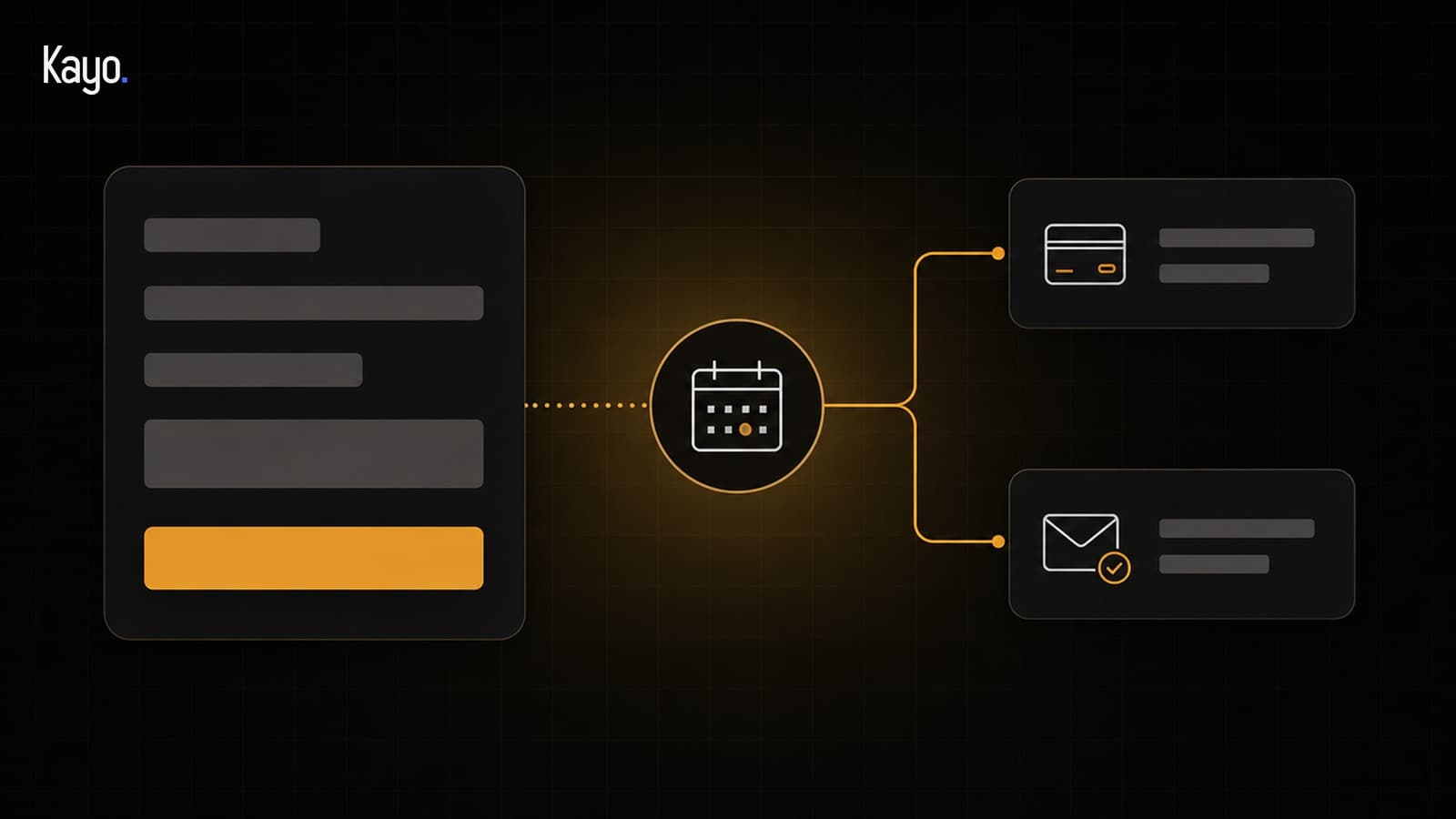
5. Book appointments
The chatbot can also guide the visitor to book an appointment. It can identify their need, then offer an available slot directly.
The prospect no longer has to send an email and wait for a reply to arrange a call.
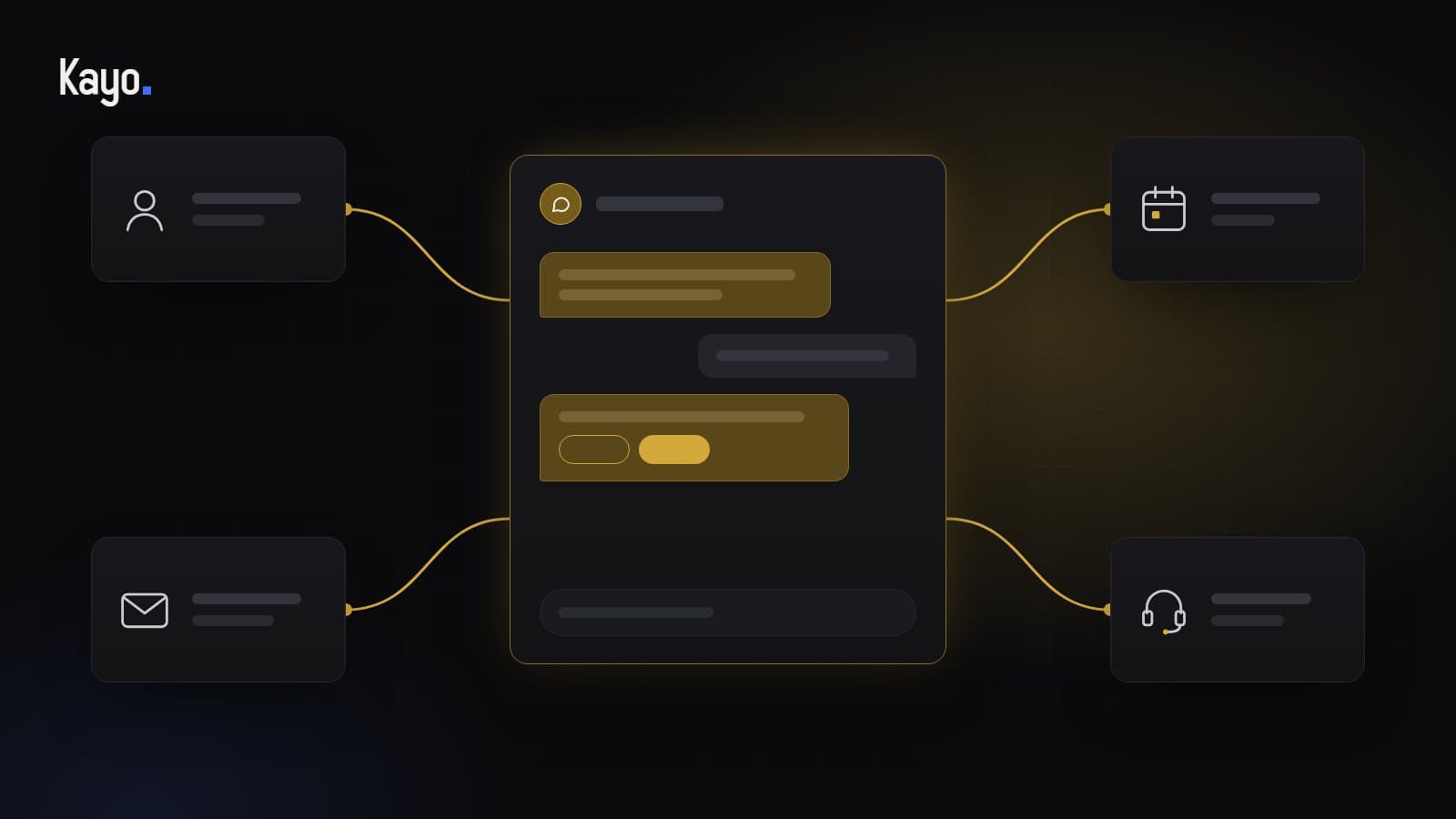
6. Route requests to the right person
Not every request should be handled by the same person.
- A sales question can go to the salesperson.
- A technical request to support.
- A question about an invoice to the admin team.
The chatbot can make this first routing automatically.
7. Available outside office hours
Your business closes at 5 pm. Your website doesn’t.
A chatbot can keep answering simple questions in the evening, at weekends or on public holidays. It doesn’t necessarily replace a person. Above all, it avoids leaving a visitor completely on their own when they arrive outside usual hours.
8. Guide visitors around the site
A visitor can sometimes get lost on a site with many pages. The chatbot can help them quickly find what they’re looking for.
“I’m looking for a service to improve my SEO.” The chatbot can then send them straight to the matching page.
The goal is to reduce the number of steps needed to find the right information.
9. Automate follow-up actions after contact
The chatbot can also prepare actions after a conversation:
- Create a prospect in the CRM
- Prepare an email, to be approved before sending
- Notify a salesperson
- Add a task
- Suggest sending a document
- Suggest a follow-up
The chatbot prepares, and a person on your team approves what goes out to a customer. It then becomes part of a wider process, one you can build with automations between your tools.
10. Create a more personal first contact
Automation doesn’t have to mean an impersonal experience. A well-designed chatbot can adapt its questions to the visitor’s answers.
Two visitors can follow two different paths. One is looking for a website. The other wants to automate their sales process. The chatbot can adapt its guidance to each.
A chatbot shouldn’t replace people
The goal isn’t necessarily to remove human conversations. Some requests still need a professional.
The chatbot’s role is mainly to handle what can be handled automatically and pass on the requests that need a human. This frees your team to spend more time on the conversations that truly matter.
Before launching a chatbot: transparency, data and human oversight
A chatbot that talks to your visitors raises three practical questions. They are settled before go-live, not after.
- Telling the visitor they are talking to an AI: this is the transparency obligation of Article 50 of the European AI Regulation, applicable since 2 August 2026. Each party’s role is set in writing before the project starts.
- Knowing where the data goes: depending on how sensitive the information is, hosting is standard, light EU or guaranteed EU, agreed in the quote. Personal data is processed only with your agreement, under a data processing agreement (DPA).
- Keeping control: no decision is automated without human oversight, and an AI model never guarantees the accuracy of its answers.
At Kayo, these points are framed with you before work starts. You will find the scope and the limits on our chatbot page.
A chatbot makes the most sense as part of a wider system
A standalone chatbot can already be useful. But its potential becomes far more interesting when it is connected to the company’s other tools:
- Chatbot
- CRM
- Calendar
- Automations
- Database
These elements can work together. The chatbot is then no longer just a chat window. It becomes a gateway to your sales process and your digital organisation.
Good automation doesn’t aim to automate for automation’s sake. It aims to remove repetitive tasks to leave more room for the work that really needs your team.